Plugins, themes and WordPress
Find the translations of one plugin, one theme or WordPress itself.
Where a text belongs
Every text belongs to a text domain, the name a plugin or theme gives its texts. Locol Translate turns that name into something you can read: the name of the plugin or theme, a badge that says Plugin, Theme or WordPress, and the text domain in small type.
- WordPress is WordPress itself, text domain
default. - Plugin and Theme are installed plugins and themes, shown by the name in their header.
- Other is a text domain that does not belong to anything installed, for example a plugin you removed.
Browse by kind
On the Translations screen, the buttons above the filters narrow the list.
| Button | Shows |
|---|---|
| All | Every translation |
| WordPress | Translations of WordPress itself |
| Plugins | Translations of plugins |
| Themes | Translations of themes |
| Needs review | Translations waiting for an approver |
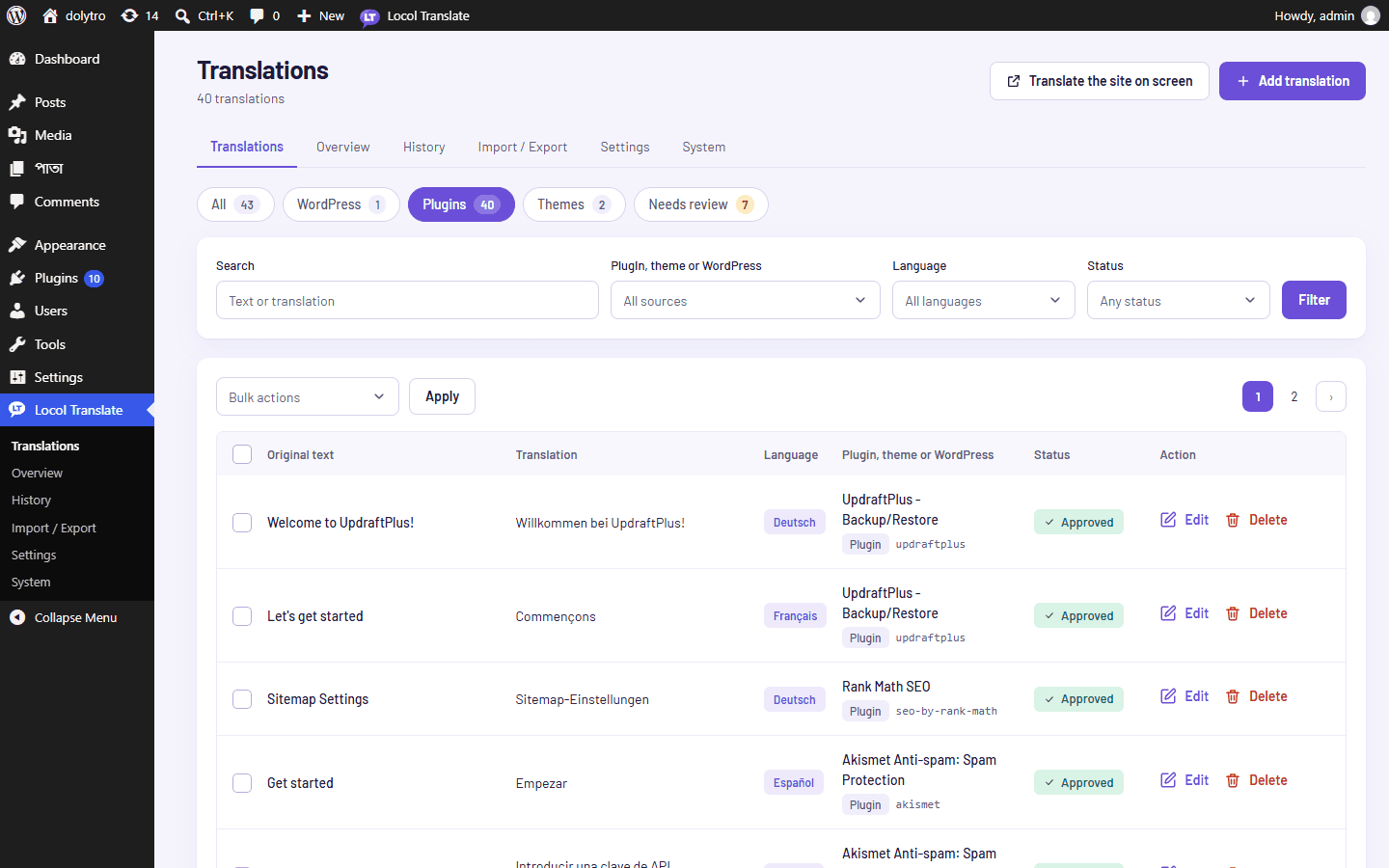
Each button shows how many translations it holds. Buttons for a kind with no translations are not shown.
Find one plugin
- 1Choose Plugins.
The list now has plugins only.
- 2Open the source filter.
It lists the plugins that have translations, by name, with the text domain in brackets and the number of translations.
- 3Pick the plugin.
Then add a language if you like, and click Filter.
Progress per plugin
The Overview screen lists every plugin and theme with its text domain, how many texts were found and how many are translated. Scan reads a plugin's files to list all the texts it can translate, so progress can be shown as a percentage. See Translate any plugin page for texts that only appear on screen.