Troubleshooting
Why a text is not marked, why a translation does not show, and why Save may fail.
A text is not marked
Only texts produced by WordPress translation functions can be translated. These are not covered:
- Text typed straight into a template, without a translation function.
- Content stored in the database, such as page titles, posts and menus.
Texts that only appear in JavaScript are listed when you open the page in translate mode. Up to 20,000 different texts are recorded on one page.
The toolbar is not there
Use the floating Locol Translate button at the bottom left, or add ?lt_translate=1 to the address. To test without the toolbar, add ?lt_nobar=1.
A translation does not show
- 1Check it.
Open System and use Test a translation. See System and Test a translation.
- 2Check the placeholders.
A saved translation with a placeholder the original does not have is never shown.
- 3Check the cache.
A page cache or a CDN may serve an old copy. Clear it after you translate.
- 4Check the visitor.
People who are signed in always see the mixed view. Visitors see the language they chose with the switcher.
A page cache or a CDN
Visitors remember their language in a cookie named local_translate_view. A cache that ignores cookies serves everyone the same copy. Configure it to vary on that cookie, or link to an address with ?lt_lang=, which most caches treat as its own page. Without the switcher every visitor sees the same mixed view and nothing needs configuring.
Save fails in the editor
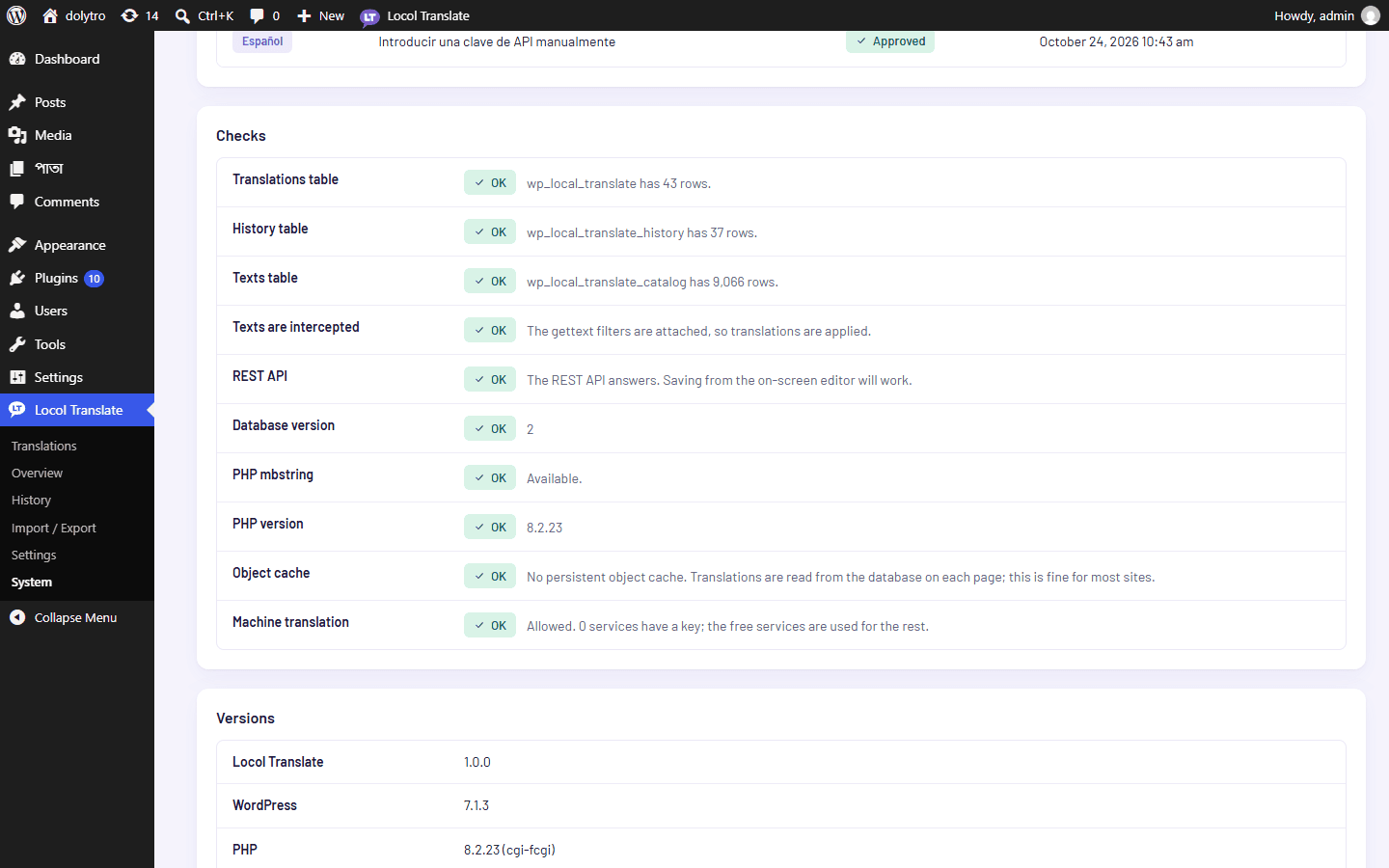
The on-screen editor saves through the WordPress REST API. Some security plugins and some server rules can restrict it. Open System: the REST API check says OK or Problem. If it reports a problem, check the rules of your security plugin or firewall.
A translation was refused
A translation with more placeholders than the original, such as %s or %d, is refused with the reason. Remove the extra placeholder. A missing placeholder or a changed HTML tag is saved with a warning, so check it.
Still stuck? Write to us and tell us what you see.